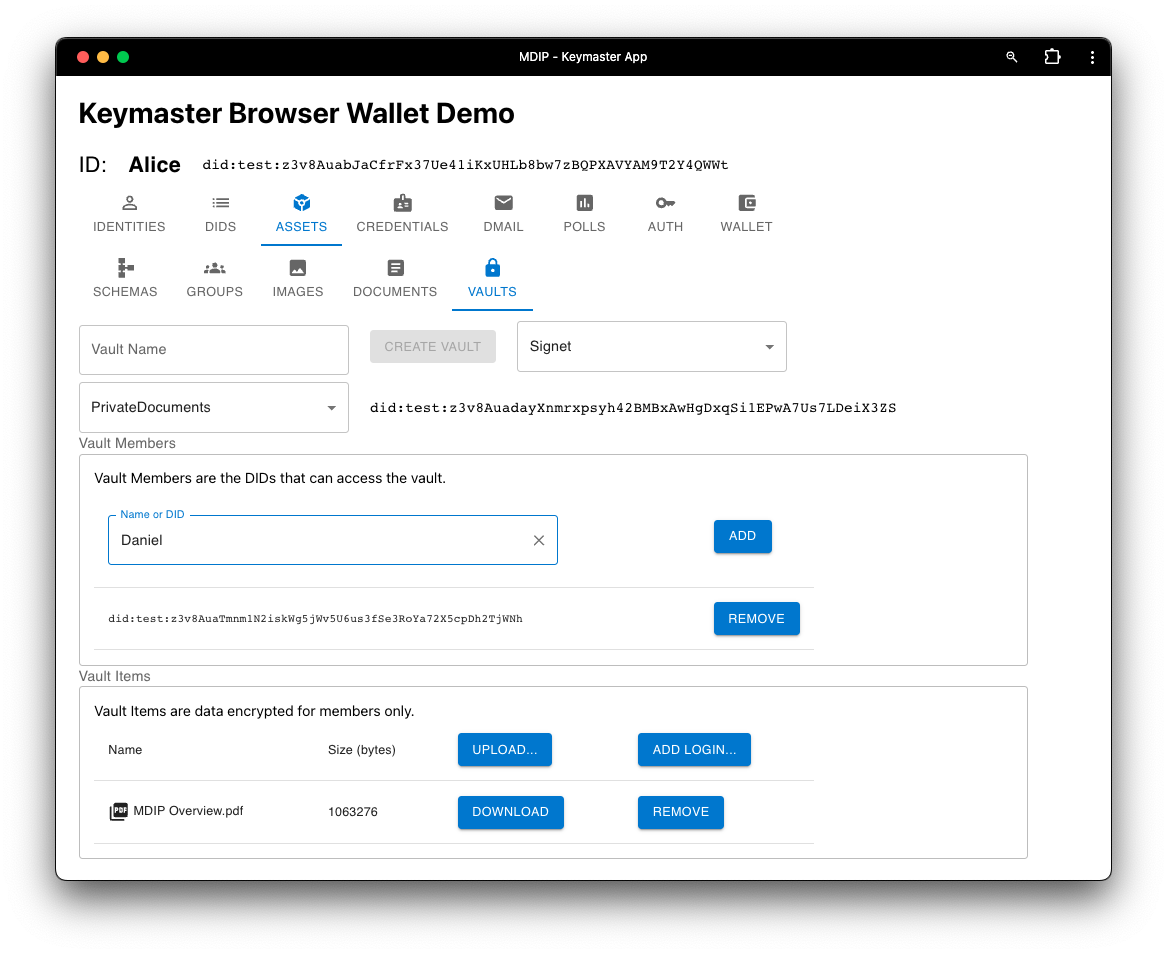
Assets
The Assets screen allows a user to create and manage multiple types of digital assets.
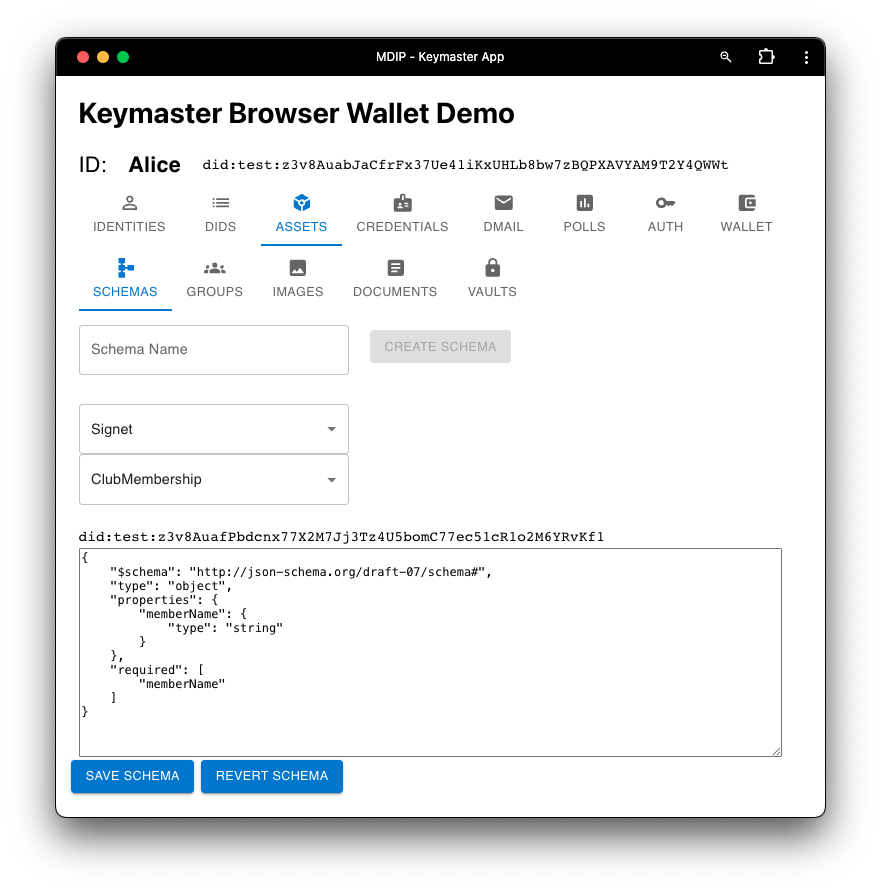
SCHEMAS Screen
In the Schemas screen, users can create their own Verifiable Credential schemas or access schemas created and registered on MDIP by other users. Here, Alice creates a "ClubMembership" schema containing a "memberName".
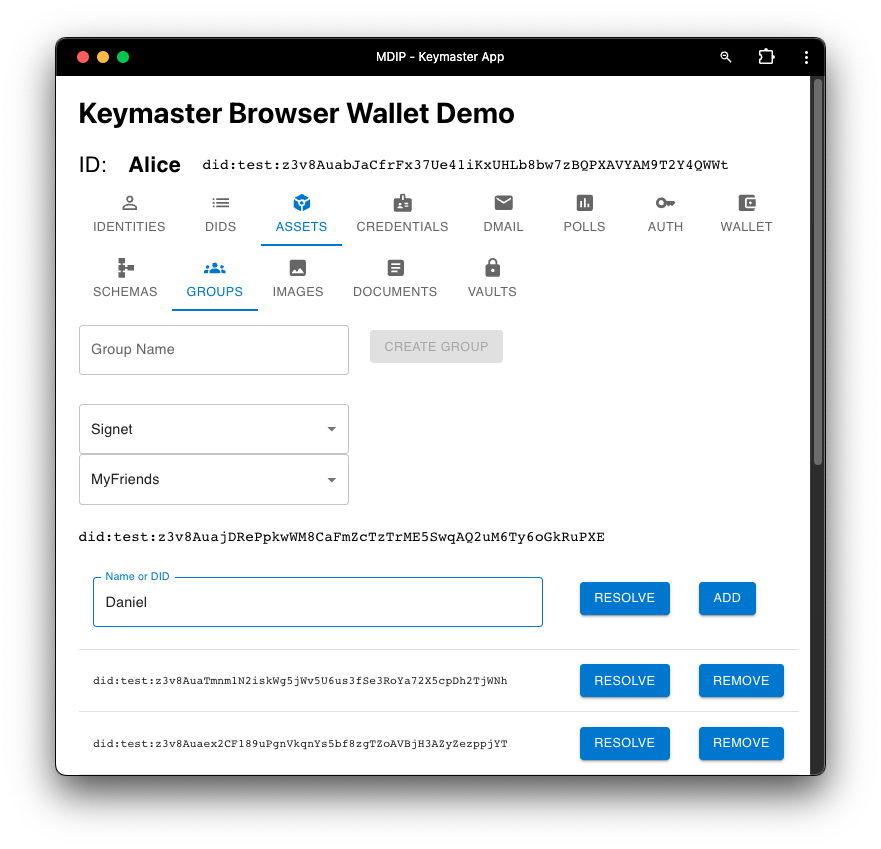
GROUPS Screen
Here, users can group DIDs together, under a new Group DID. Groups can contain groups. Groups are public documents, which means other network nodes will see the DIDs contained in a group DID.
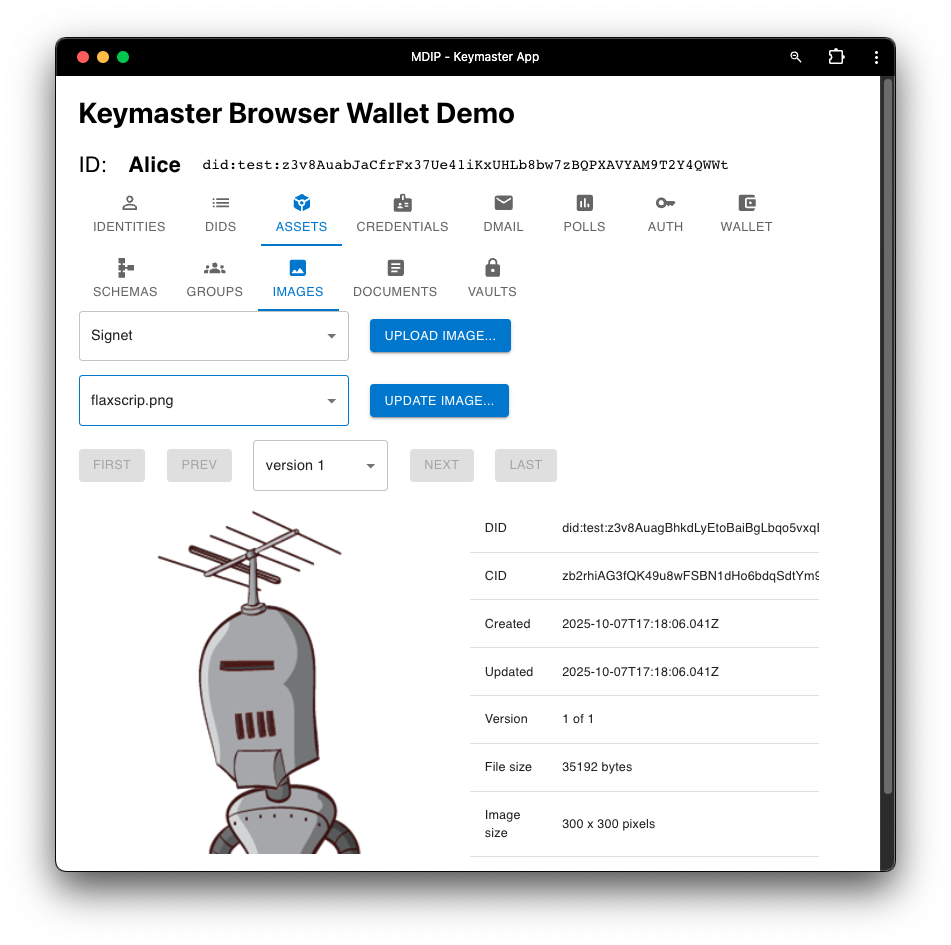
IMAGES Screen
This screen allows users to assign an Asset DID to an image file. The file is uploaded to the node's content addressable storage subsystem (IPFS).
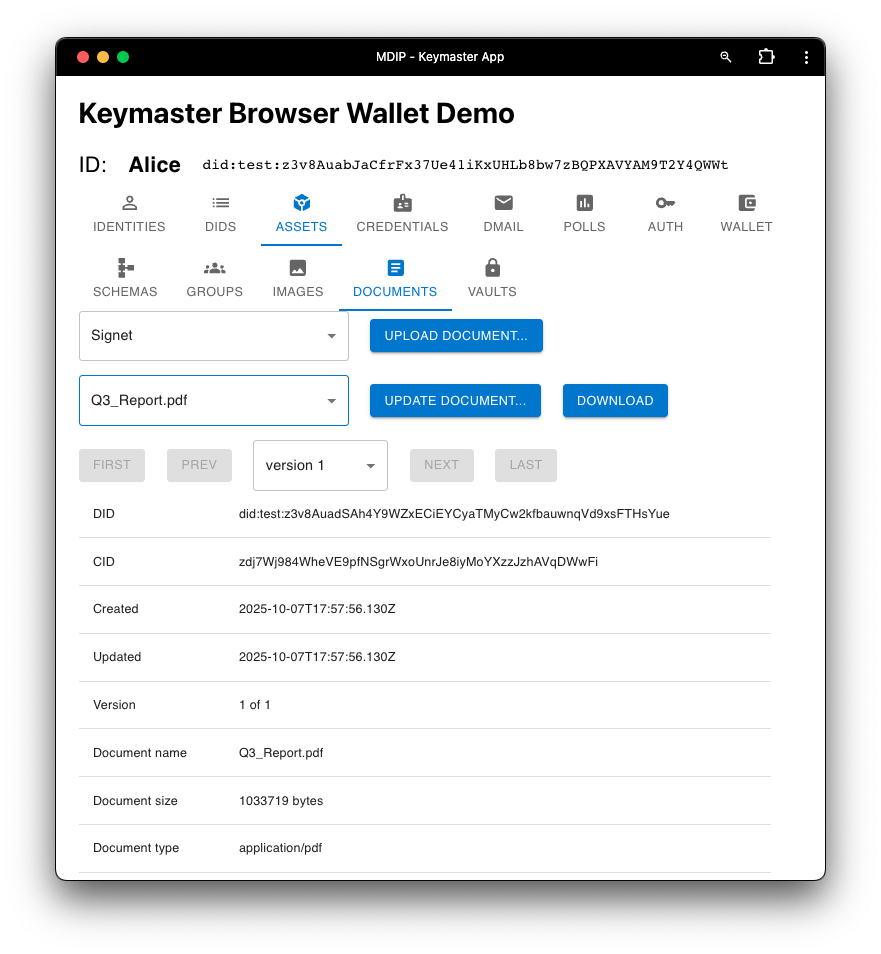
DOCUMENTS Screen
This screen allows users to assign an Asset DID to a document. The file is stored in the node's IPFS-backed content-addressable storage, while the Asset DID's document data contains its CID and metadata.
VAULTS Screen
Create encrypted vaults that can contain any number of digital items and any number of recipient members. Read access to the Vault may be shared with Member DIDs.